Free · Instant · No signup
Chipotle Calorie Calculator
Build your burrito, bowl, or salad and see calories and macros update live—before you hit the line.

Interactive Tool
Build Your Meal
Browse items, tap to add, and watch nutrition update instantly.
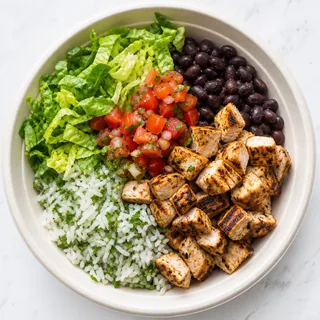
Bowl
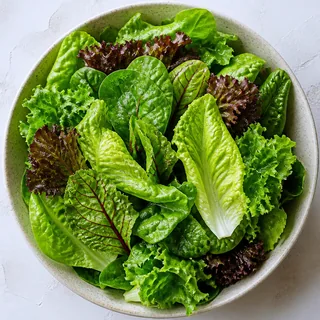
Salad (Lettuce Base)
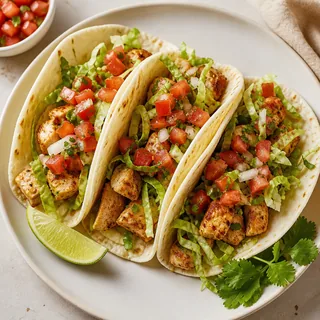
Soft Flour Tacos (3)
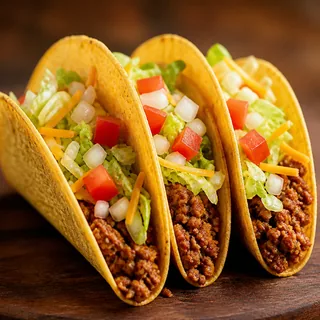
Crispy Corn Tortillas (3)
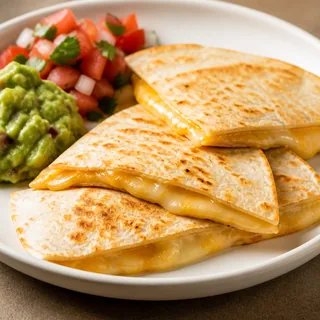
Quesadilla
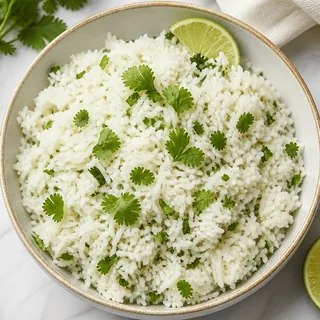
Cilantro-Lime White Rice
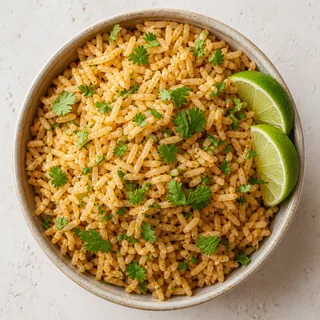
Cilantro-Lime Brown Rice
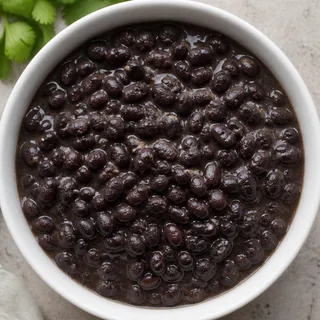
Black Beans
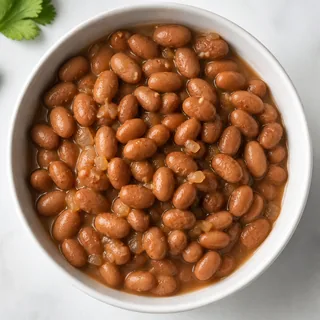
Pinto Beans
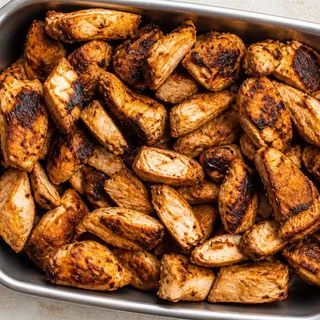
Chicken
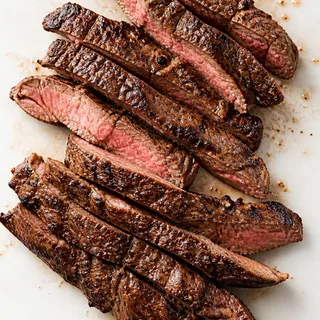
Steak
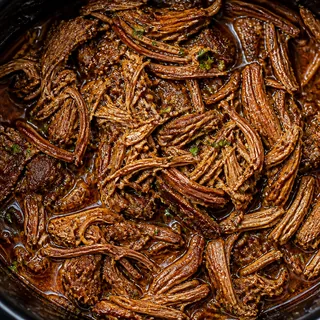
Barbacoa
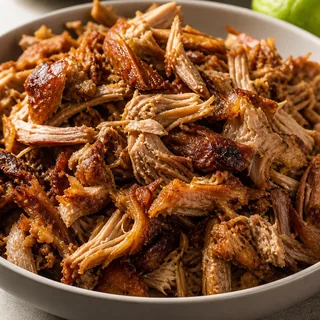
Carnitas
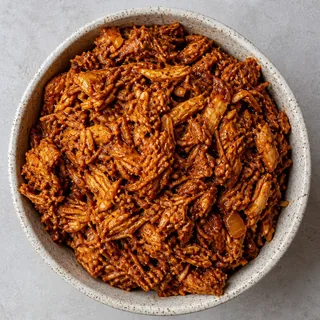
Sofritas
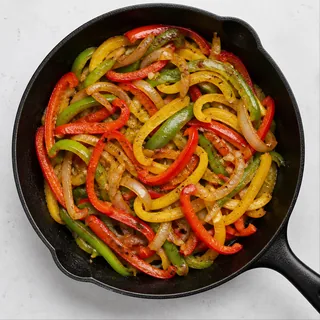
Fajita Veggies
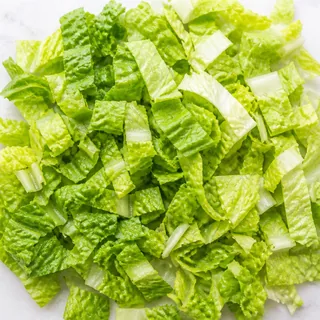
Romaine Lettuce

Cheese
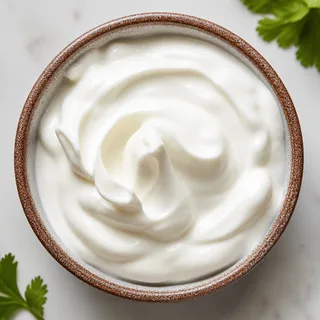
Sour Cream
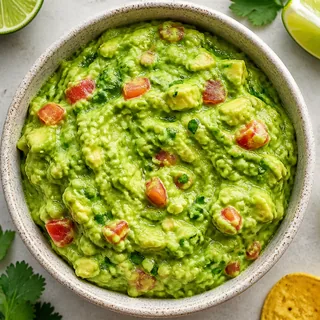
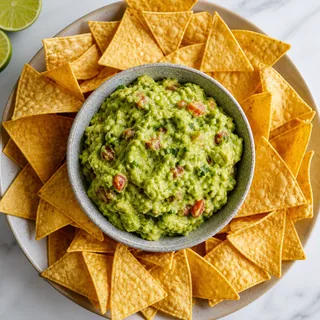
Guacamole
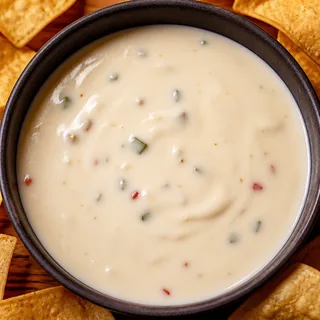
Queso Blanco
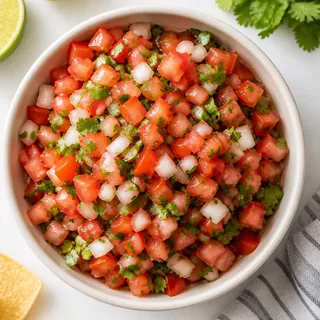
Fresh Tomato Salsa
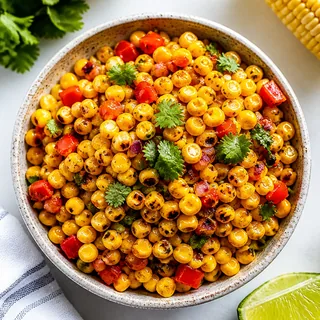
Roasted Chili-Corn Salsa
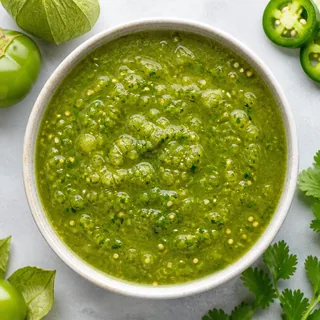
Tomatillo-Green Chili Salsa
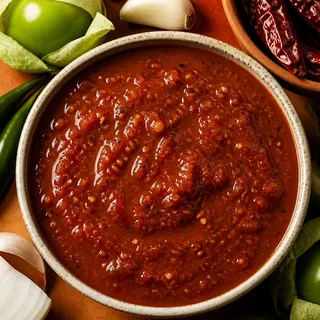
Tomatillo-Red Chili Salsa
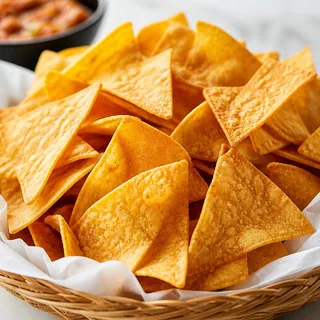
Chips
Chips & Guacamole
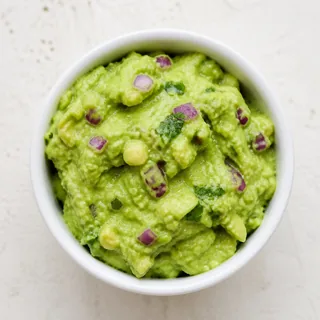
Side of Guacamole
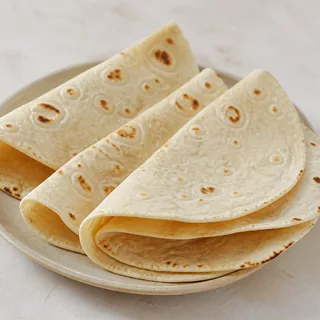
Side Tortilla
Large Fountain Drink
Overview
What Is the Chipotle Calorie Calculator?
A fast way to estimate the nutrition in a custom Chipotle order without guessing at the counter.
Built for real orders
Choose the same building blocks you see in-store—entree, rice, beans, protein, toppings, salsas, and extras—and get a running total that matches how Chipotle meals are assembled.
Instant macros
Calories, protein, carbs, and fat update the moment you change an ingredient. No forms to submit, no page reloads, and no account required.
Decisions before you order
Use it on your phone in line, or plan ahead at home. Swap guacamole for salsa, skip the tortilla, or double chicken—and see the trade-offs clearly.
Guide
How to Use the Calculator
Four quick steps. Your nutrition summary stays visible as you build.
Pick your entree
Start with a burrito, bowl, salad, tacos, or quesadilla. The tortilla (or lack of one) is often the biggest calorie swing right out of the gate.
Add rice, beans & protein
Choose white or brown rice, black or pinto beans, and a protein—or go veggie. These layers set your baseline calories and protein.
Layer toppings & sauces
Tap toppings like cheese, sour cream, and guacamole, plus your favorite salsas. Multi-select so you can mirror a real order.
Review, copy, or print
Check the healthy rating and calorie load bar. Copy the summary into a notes app or print it for meal tracking.
Practical Advice
Nutrition Tips for Chipotle Orders
Small swaps that keep flavor high and calories in check.
Skip the tortilla when you can
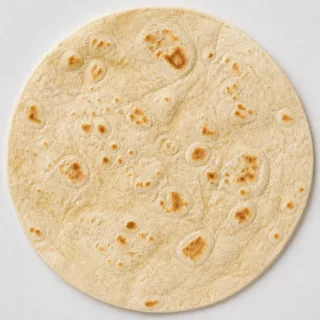
A flour tortilla adds about 300 calories. A bowl or salad with the same fillings usually tastes just as satisfying with a big calorie drop.
Load up on salsa and veggies
Tomato salsa, green salsa, fajita veggies, and lettuce add brightness and volume for very few calories. Use them generously.
Treat guac as a deliberate choice
Guacamole is delicious and nutrient-dense, but it packs roughly 230 calories. If you want it, consider skipping cheese or chips to balance the meal.
Prioritize protein
Chicken and steak deliver solid protein for moderate calories. Pairing protein with beans and veggies helps meals feel filling longer.
Transparency
How Calories Are Calculated
Every ingredient in the calculator carries its own calorie and macro values—protein, carbohydrates, and fat—drawn from publicly shared Chipotle nutrition data. When you select an item, those numbers are added to your running total. Deselect it, and they come back out. There is no hidden math beyond simple addition.
Single-choice categories (entree, rice, beans, protein) replace the previous option so you always have one selection per group. Toppings, sauces, and extras are additive—you can stack as many as you want, just like at the restaurant.
The healthy rating looks at total calories, protein, and how much of the meal’s energy comes from fat. It is a quick orientation tool, not a medical recommendation. The progress bar compares your meal to a 1,500-calorie reference so large builds are easy to spot at a glance.
Important: Scoop sizes vary by location and by who is behind the line. Consider these figures a solid estimate, then confirm with Chipotle’s official nutrition calculator if you need precise tracking for a medical or athletic goal.
FAQ
Frequently Asked Questions
Straight answers about accuracy, calories, and building smarter orders.
Our numbers are based on publicly available Chipotle nutrition information and are meant as a close estimate. Serving sizes can vary by restaurant and how generously ingredients are scooped, so treat the totals as a guide and check Chipotle’s official nutrition resources when you need exact figures.
A common chicken burrito bowl with white rice, black beans, salsa, and lettuce often lands around 500–700 calories. Add cheese, sour cream, and guacamole and you can push past 900–1,000 calories quickly.
A salad or bowl with chicken or sofritas, fajita veggies, tomato salsa, and lettuce—skipping rice, cheese, sour cream, and guac—usually keeps the meal in a lower calorie range while still tasting filling.
Yes. Guacamole adds roughly 230 calories per serving. It also brings healthy fats and fiber, so many people still include it and trim calories elsewhere—like skipping the tortilla or chips.
It can be. Chipotle makes it easy to control portions and ingredients. Choosing a bowl or salad, prioritizing protein and veggies, and limiting high-calorie add-ons like chips, queso, and double guac helps keep meals aligned with most calorie goals.
Yes. The site is mobile-first and works in any modern browser without an app download. Build your order in line before you order.
From the Blog
Guides Worth Reading
Deeper takes on Chipotle calories, low-cal builds, and whether the chain fits a healthy diet.
How many calories are in a Chipotle burrito?
Typical ranges for chicken, steak, and loaded burritos—and what pushes the number up.
Read article →Best low calorie Chipotle meals
Filling builds under common calorie targets without tasting like diet food.
Read article →Chipotle nutrition guide
A clear breakdown of ingredients, macros, and how to read your order.
Read article →Is Chipotle healthy?
An honest look at ingredients, sodium, portions, and how to order smarter.
Read article →Ready to build your next order?
Open the calculator, tweak a few ingredients, and walk into Chipotle knowing your numbers.
Open Calculator